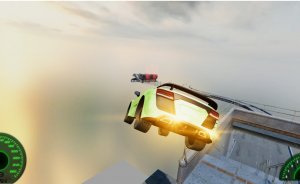
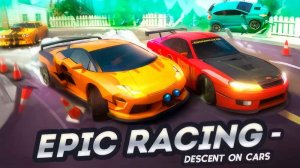
Exciting demolition racing with safe, family-friendly design. Easy controls and fun tracks.

Smooth browser racing with WebGPU graphics and helpful dual control modes. Great for quick sessions.

Clean controls and vibrant tracks. Customization adds depth without complexity.

Fast-paced racing with tactical combat. Easy controls and fun upgrades keep it engaging.
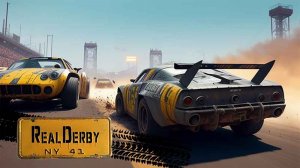
Realistic crashes and simple controls. Good for quick competitive races.

Smooth controls and varied modes. Risk-reward driving keeps each session engaging.
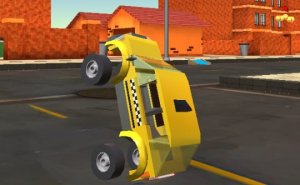
Three modes keep gameplay fresh. Easy controls and fun vehicle unlocks. Great for casual play.
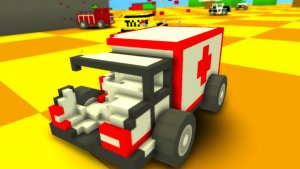
Simple controls and vibrant graphics. Great for quick, fun car-smashing action.
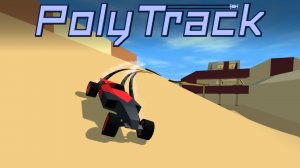
Creative track builder with smooth racing. Great for quick sessions and endless customization.

Realistic traffic and smooth controls make this a satisfying driving challenge. Great for quick sessions.
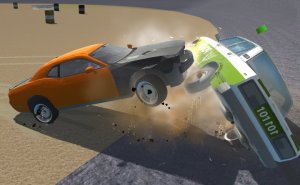
Realistic crashes and smooth controls. Unlocking cars adds fun. Great for quick sessions.
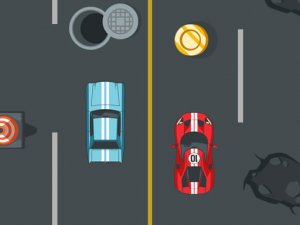
Clean visuals and responsive controls. A fun reflex game for short breaks.
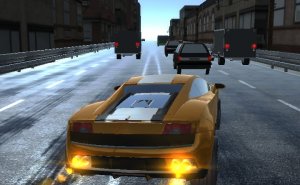
Smooth controls and clear graphics. The online mode adds replay value for racing fans.
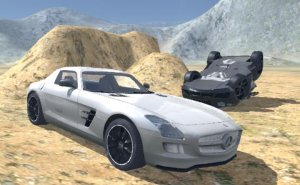
Open world driving with tanks and cars. Fun for quick sessions or longer play.

Clean controls and diverse car selection. Perfect for quick drift sessions and record chasing.
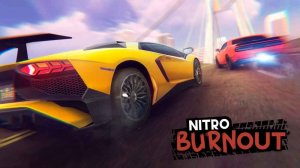
Realistic physics and deep customization make this a standout racing simulator. Great for short sessions.
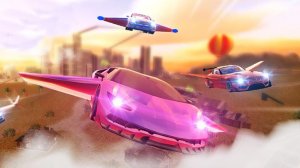
Smooth controls and creative mix of driving and flying. Great for quick sessions or longer play.
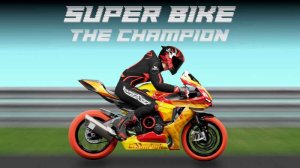
Smooth controls, good variety of tracks, and fun customization. Perfect for quick races.

Fun stunt bike game with easy controls and local multiplayer. Great for quick sessions with friends.
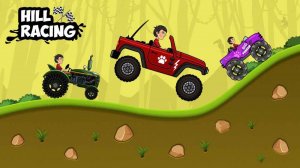
Simple controls and nice visuals. A relaxing hill climb game with good replay value.
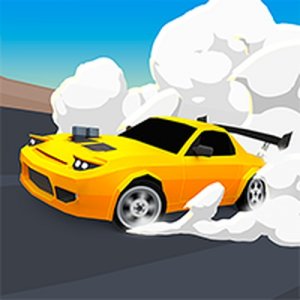
Smooth drifting mechanics and bright visuals. Perfect for quick racing breaks.

Smooth arcade racing with beautiful neon visuals. Easy controls and two-player mode add replay value.
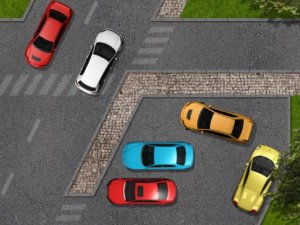
Clean controls and clear objectives. Perfect for quick gaming sessions.
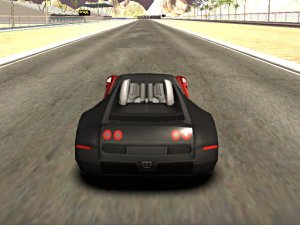
Smooth controls and fun customization. Great for quick drifting sessions.
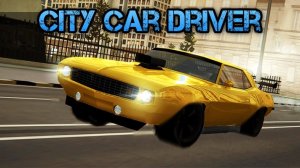
Realistic open-world driving with fun modes and easy controls. Great for quick play.
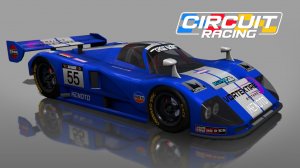
Great selection of cars and tracks. Test drive feature is a smart addition.
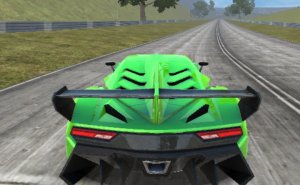
Smooth controls and a great car selection. Perfect for quick racing fun.

Smooth drifting mechanics and deep customization. Great for quick races or long sessions.

Smooth controls and engaging mission mode. The health mechanic adds a nice strategic twist.
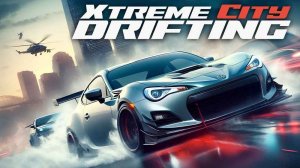
Smooth drifting mechanics and clear upgrade path. Police chases add fun tension. Great for quick sessions.
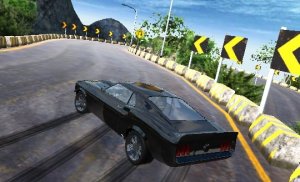
Smooth drifting mechanics and deep car customization. Tracks offer good variety for skill building.
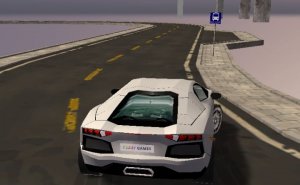
Realistic physics and smooth controls make this stunt game enjoyable. Great for quick arcade sessions.
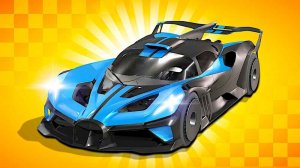
Creative tracks and car customization make this a standout driving game. Good for solo or two-player fun.
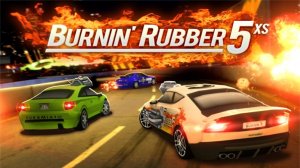
Fast-paced combat racing with smooth controls and fun upgrades. Great for action fans.
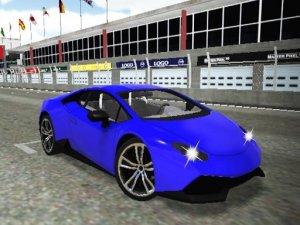
Smooth drifting mechanics and colorful graphics make this a fun, quick racing game for all ages.
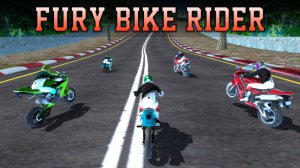
Realistic physics and varied tracks make this bike racer enjoyable. The open world adds extra fun.
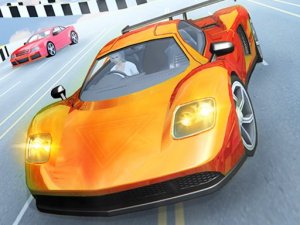
Simple controls and exciting stunts. Great for quick racing fun.
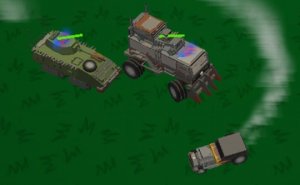
Simple controls and clear objectives make this chase game easy to pick up. Good for quick play.

Realistic driving feel with a large city to explore. Tuning options add replay value.
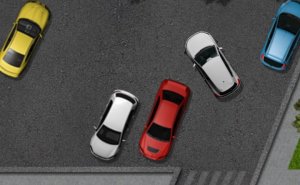
Clean design and smooth gameplay. Great for short breaks and testing precision.
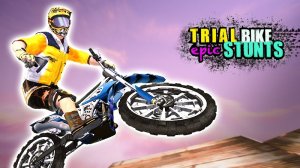
Realistic physics and responsive controls make each level engaging. Great for short gaming sessions.

Realistic parking and varied missions. Police evasion adds excitement. Great for driving fans.

Smooth controls and realistic graphics make this a satisfying racing game for quick sessions.
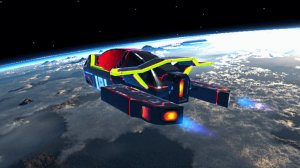
Smooth controls and a vibrant neon city. Many tracks and hovercraft keep races fresh.
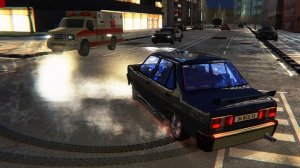
Engaging city driving with classic cars and police chases. Customization adds depth without violence.
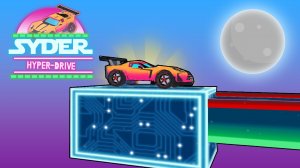
Smooth controls and fun stunts. Great for quick gaming breaks.
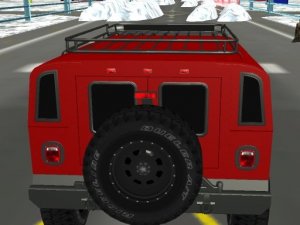
Realistic snow clearing with smooth controls. A satisfying winter driving experience for all ages.
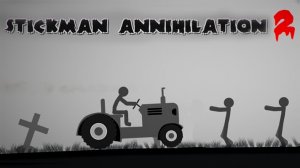
Chaotic fun with satisfying slow-motion crashes. Easy to pick up and play.
