
What You Color and Why
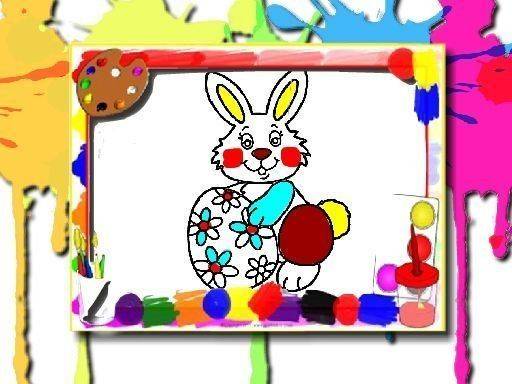
The game offers a set of holiday-themed line drawings: cute bunnies, decorated eggs, spring flowers, and festive baskets. Each image is an outline waiting for color. There is no scoring, no timer, and no fail state. The only goal is to fill the shapes with the shades you choose. That structure makes it suitable for short breaks or longer, unhurried sessions.
How a Coloring Session Works
Open the game in any modern browser. A selection screen shows the available pictures. Click one to load it into the coloring area. The brush tool and color palette sit along the side or bottom of the screen. Select a shade, then click or tap the region you want to fill. An undo button reverses the last action, and an erase tool removes color. When the picture looks right, save it to share with family or friends. Returning to the selection screen lets you start a different image.
Controls and Device Support
The interface is built for both desktop and mobile. On a computer, a mouse click fills an area. On a phone or tablet, a tap does the same. The brush and palette are sized to remain usable on smaller screens. Because everything runs in the browser, there is nothing to install and no account to create.
Approaches That Help
Filling small details first often produces a neater result, since larger areas can be adjusted around them. Trying several color combinations before committing is easy because undo is always available. Saving a picture preserves the work, so there is no pressure to finish in one sitting.











Comments
0 comments