MultiRacer Hub

Details

Flower Garden Merge Defense

Flower Garden Merge Defense

Developer: Mist Rift Labs
Published: 2024-07-10
Updated: 2026-06-12
Puzzle Strategy Garden

Reviews

Flower Garden Merge Defense combines the joy of merging with strategic defense. The gameplay is easy to pick up but offers enough depth to keep you engaged. The colorful graphics and progressive difficulty make it a great choice for casual gamers. I appreciate that it is family-friendly and free of any offensive content. A wonderful way to spend a few minutes or a few hours.

About this game

Game Introduction

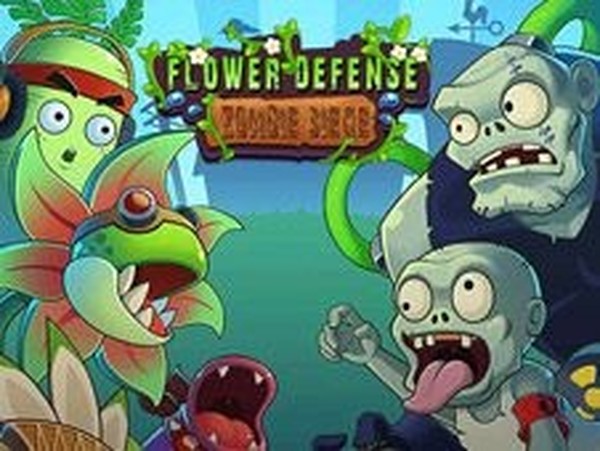
Flower Garden Merge Defense is a family-friendly strategy game that combines puzzle mechanics with tower defense. Your objective is to protect a vibrant garden from waves of pests by merging flowers to create stronger defensive plants. The game offers a relaxing yet engaging experience suitable for players of all ages who enjoy casual strategy and merging gameplay.

How to Play

In Flower Garden Merge Defense, players drag and merge two flowers of the same kind to create a higher-level plant. These plants automatically shoot at approaching pests. You must prevent any pest from crossing the final line at the end of the path. Coins earned from defeating pests allow you to place new flowers on available plots. Continue merging to build more powerful defenders and unlock additional plots as you progress. Each wave increases in difficulty, requiring quick thinking and careful planning.

Game Features

This game features a merge mechanic that lets you combine flowers to create stronger defensive plants. It includes wave-based pest attacks that increase in difficulty. Players can earn coins to purchase new flowers and unlock additional plots to expand their garden. The colorful garden theme and casual strategy elements make it accessible for players of all ages. Some versions may include social features like inviting friends to compare scores.

Tips for Success

Focus on merging flowers early to build high-level defenders quickly. Prioritize placing plants near the path to maximize their effectiveness. Save coins for unlocking new plots to expand your defense area. Pay attention to the types of pests in each wave and adjust your strategy accordingly. Practice regularly to improve your timing and merging efficiency. Don't be afraid to experiment with different garden layouts to find what works best for you.

Compatibility

Play on Any Device | Chrome / Safari / Edge Recommended
Advertisement

Faq

Is Flower Garden Merge Defense free to play?
Many games of this type are free to play with optional in-app purchases for items like coins or special flowers. However, the specific pricing model for this game may vary. Check the app store or official website for the most accurate information.
Can I play Flower Garden Merge Defense offline?
This depends on the version of the game. Some puzzle and strategy games offer offline play, while others require an internet connection for features like leaderboards or updates. You can check the game's settings or description to confirm.
Are there different difficulty levels in the game?
The game may include difficulty levels or a progressive challenge system where waves become harder as you advance. While not explicitly stated, many tower defense and strategy games offer adjustable difficulty or a natural difficulty curve to suit different skill levels.
What platforms is Flower Garden Merge Defense available on?
The game is likely available on mobile platforms such as iOS and Android, and possibly on web browsers. The specific platforms depend on the developer. You can find this information in the app store or on the game's official website.
Does the game have in-app purchases?
Many free-to-play games in this genre include optional in-app purchases for coins, special plants, or other boosts. While not confirmed, it is common for such games to offer these to enhance gameplay. Always review the game's privacy policy and terms before purchasing.
How can I save my progress in Flower Garden Merge Defense?
Progress saving methods vary by game. Typically, progress is saved automatically to your device or to a cloud account if you are signed in. Some games also offer manual save options. Check the game's settings for specific save features.

Leave a Comment